

Self-Service Password Reset (SSPR)

Let users reset their own passwords securely: eliminate helpdesk calls, end lockout downtime

Overview

Eliminate downtime caused by locked accounts

Eviden SSPR enables users to reset forgotten passwords or unlock accounts independently: without calling the helpdesk: using security questions, OTP via email or SMS, or QR code via smartphone (QREntry). As a component of EAM, SSPR integrates directly with the authentication and SSO layer, ensuring a seamless experience for end users and complete control for administrators. In healthcare and industrial environments that operate 24/7, SSPR removes the single biggest cause of unplanned downtime: the locked account.

Key features

What sets SSPR apart

pqc inventory icon

Multiple reset methods

Security questions, OTP by email, OTP by SMS, QR code via smartphone: choose the method that fits your security policy.

Communication Security icon

Self-service portal

Web-based portal accessible from any browser: users reset passwords without IT involvement at any time.

Defense Dual Tech icon

QREntry integration

Reset via smartphone QR code scan: fast, secure, no token required.

Defense sovereign icon

Admin controls

Define which reset methods are allowed, set question policies, configure OTP expiry, and manage the service from the EAM console.

Audit trail

Audit trail

Every reset attempt: successful or failed: is logged for compliance and investigation.

pqc implementation icon

EAM integration

Fully integrated with Enterprise SSO: a reset password is immediately applied across all SSO-enrolled applications.

Benefits

Keep the business on going

E

Eliminate the #1 helpdesk ticket

Password resets account for 20–50% of helpdesk calls in most organisations: SSPR eliminates them entirely.

Z

Zero downtime for locked accounts

Users in 24/7 environments: hospitals, factories, contact centres: reset and return to work in under a minute.

R

Reduce operational cost

Every avoided helpdesk call has a measurable cost: SSPR pays back its investment within weeks of deployment.

I

Improve user satisfaction

No waiting on hold: users resolve their own lockouts in seconds, at any time of day.

S

Strengthen security

OTP and QREntry reset methods are more secure than phone-based helpdesk verification, which is vulnerable to social engineering.

Why Eviden

Why choose SSPR

Native EAM integration

SSPR is built into the EAM platform: no separate deployment, no integration complexity, one console for everything.

Multiple secure reset methods

Security questions, email OTP, SMS OTP, and QREntry: the broadest method coverage of any comparable solution.

QREntry innovation

Smartphone QR code reset is unique to Eviden: enables secure self-service even in environments where users have no email access at the terminal.

Healthcare proven

Deployed in hospitals where clinical staff cannot afford to wait for helpdesk support during a shift.

FAQ

Frequently asked questions

No: smartphone (QREntry) is one optional method. Users can also reset via security questions or OTP by email or SMS.

Yes: administrators configure which methods are available, per user group or organisation-wide.

Yes: the web portal can be made available externally, with appropriate network controls applied by your team.

When used with EAM SSO, yes: the reset password propagates to all SSO-enrolled applications automatically.

SSPR is a component of EAM. Contact our team to discuss deployment options for your environment.

Case Study

No more 3am helpdesk calls: clinical staff reset their own passwords

Groupement Hospitalier de Territoire

Self-service password reset deployed across a French hospital group, eliminating overnight helpdesk dependency for clinical staff.

Read the case study
Healthcare-Doctor_at_work_in_hospital

Solution

Eviden Self-Service Password Reset (SSPR)

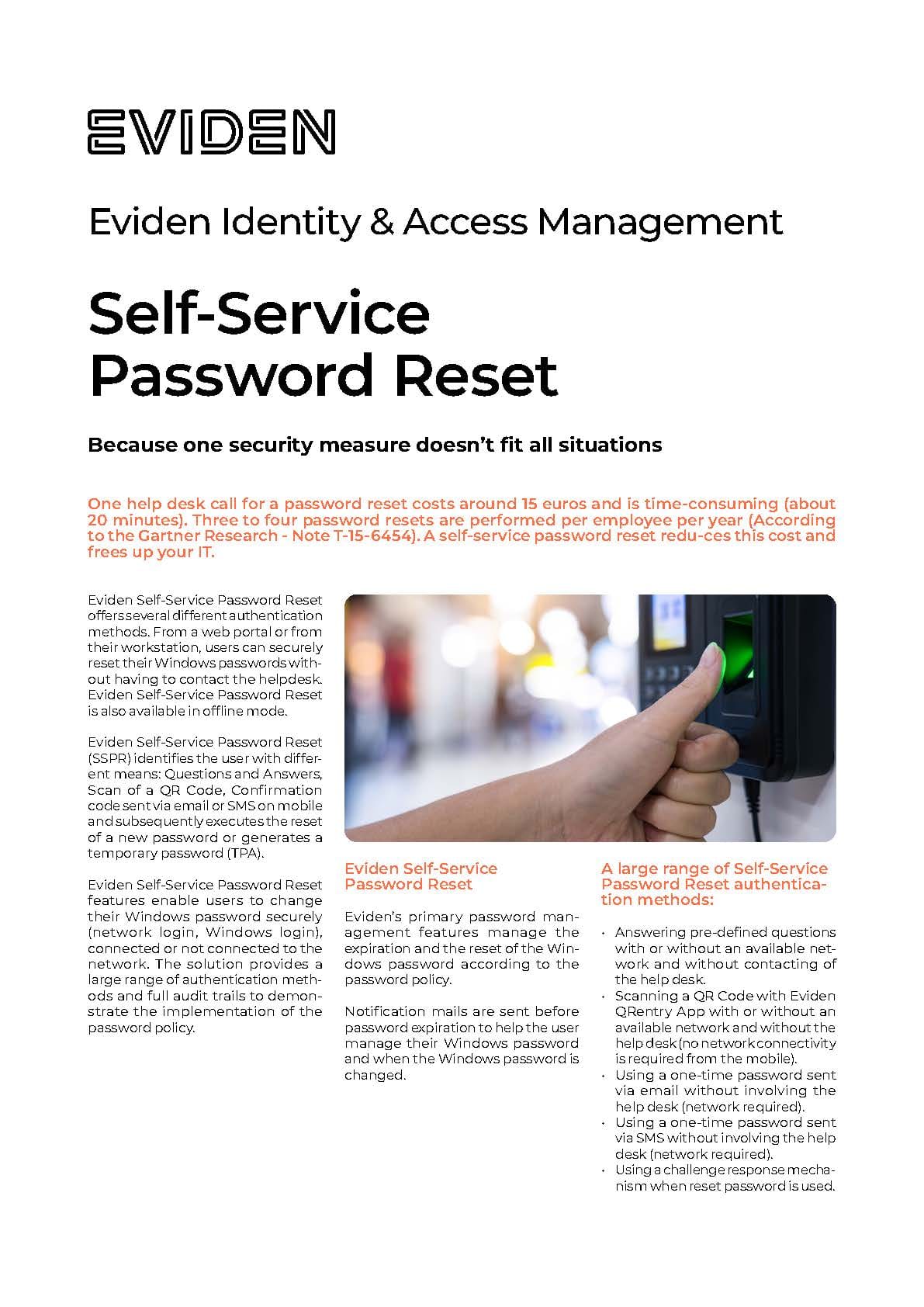
Eviden Self-Service Password Reset (SSPR) offers several different authentication methods. From a web portal or from their workstation, users can securely reset their Windows passwords without having to contact the helpdesk.
Eviden Self-Service Password Reset is also available in offline mode.


Eviden Self-Service Password Reset identifies the user with different means: Questions and Answers, Scan of a QR Code, Confirmation code sent via email or SMS on mobile and subsequently executes the reset of a new password or generates a temporary password (TPA).


Eviden Self-Service Password Reset features enable users to change their Windows password securely (network login, Windows login),
connected or not connected to the network. The solution provides a large range of authentication methods and full audit trails to demonstrate the implementation of the password policy.

Eviden-Self-Service-password-reset-SSPR-EN.pdf

Interested in SSPR

Talk to an expert